Struggling With Kubernetes? This Visual Guide Fixes That
A Visual Journey Through Container Orchestration

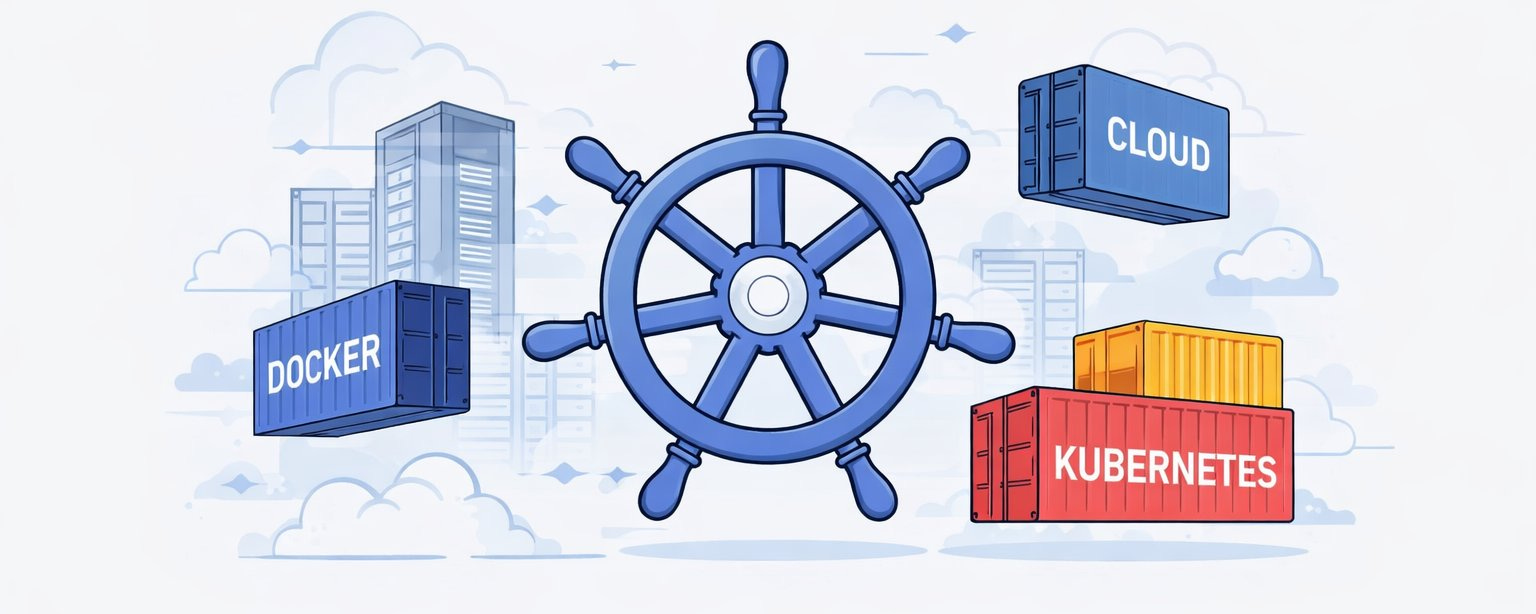
Kubernetes often feels overwhelming at first - not because it’s poorly designed, but because most explanations jump straight into YAML and commands.
This article takes a visual + conceptual approach, inspired by my new “the Kubernetes Visual Guide by Tech Fusionist”, to explain why Kubernetes exists, how it works internally, and how all major components fit together.
If you understand the mental model, Kubernetes becomes logical - even elegant.
1. The Container Revolution: How We Got Here?
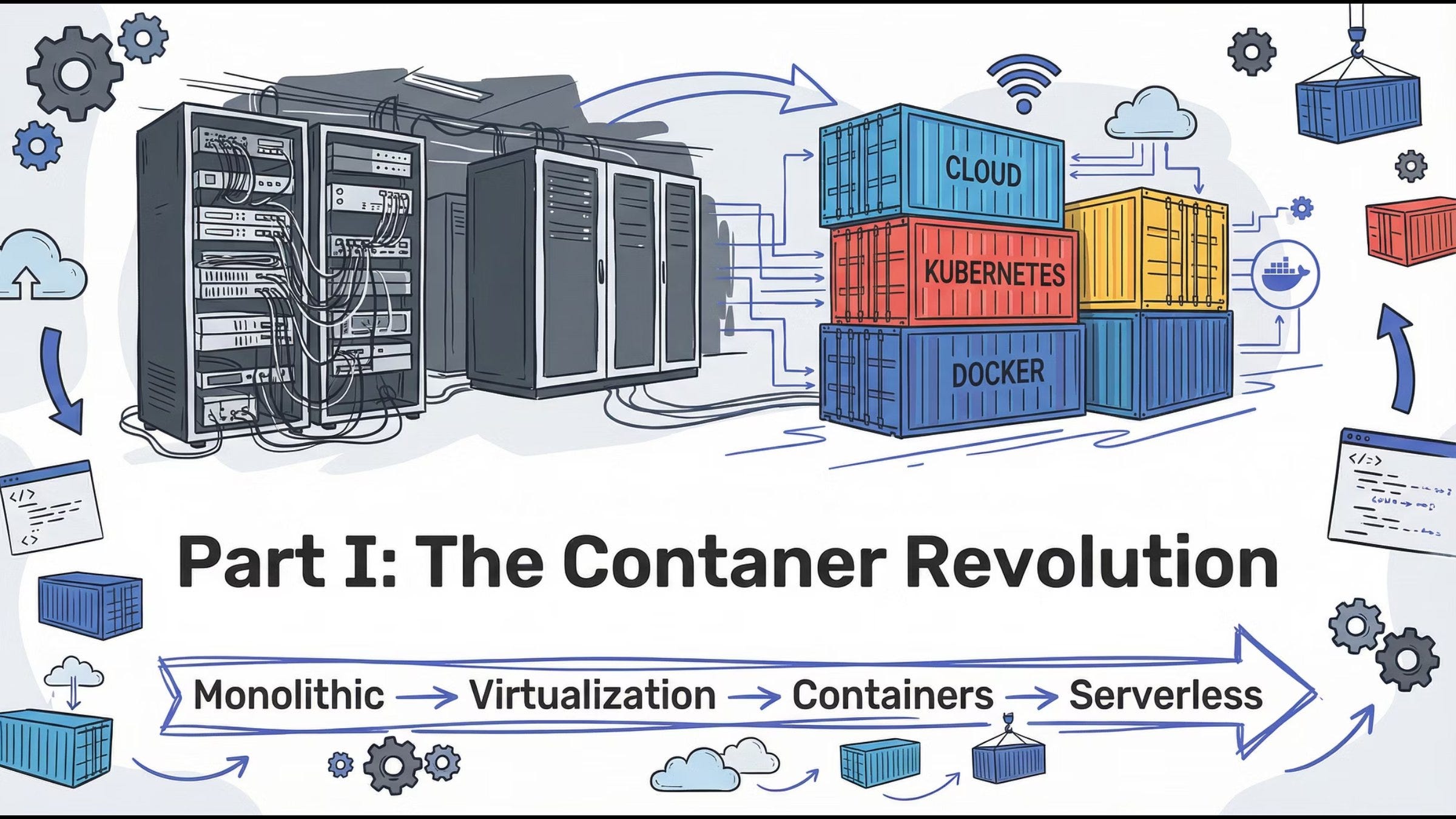
Modern application deployment evolved through clear stages:
Monolith → Virtual Machines → Containers → Orchestration
Each stage solved one major problem but introduced a new one. Containers finally gave us speed, portability, and consistency - but managing them at scale created a new challenge.
Key insight:
Containers solved packaging. Kubernetes solved operations.
2. Before Containers: Deployment Chaos
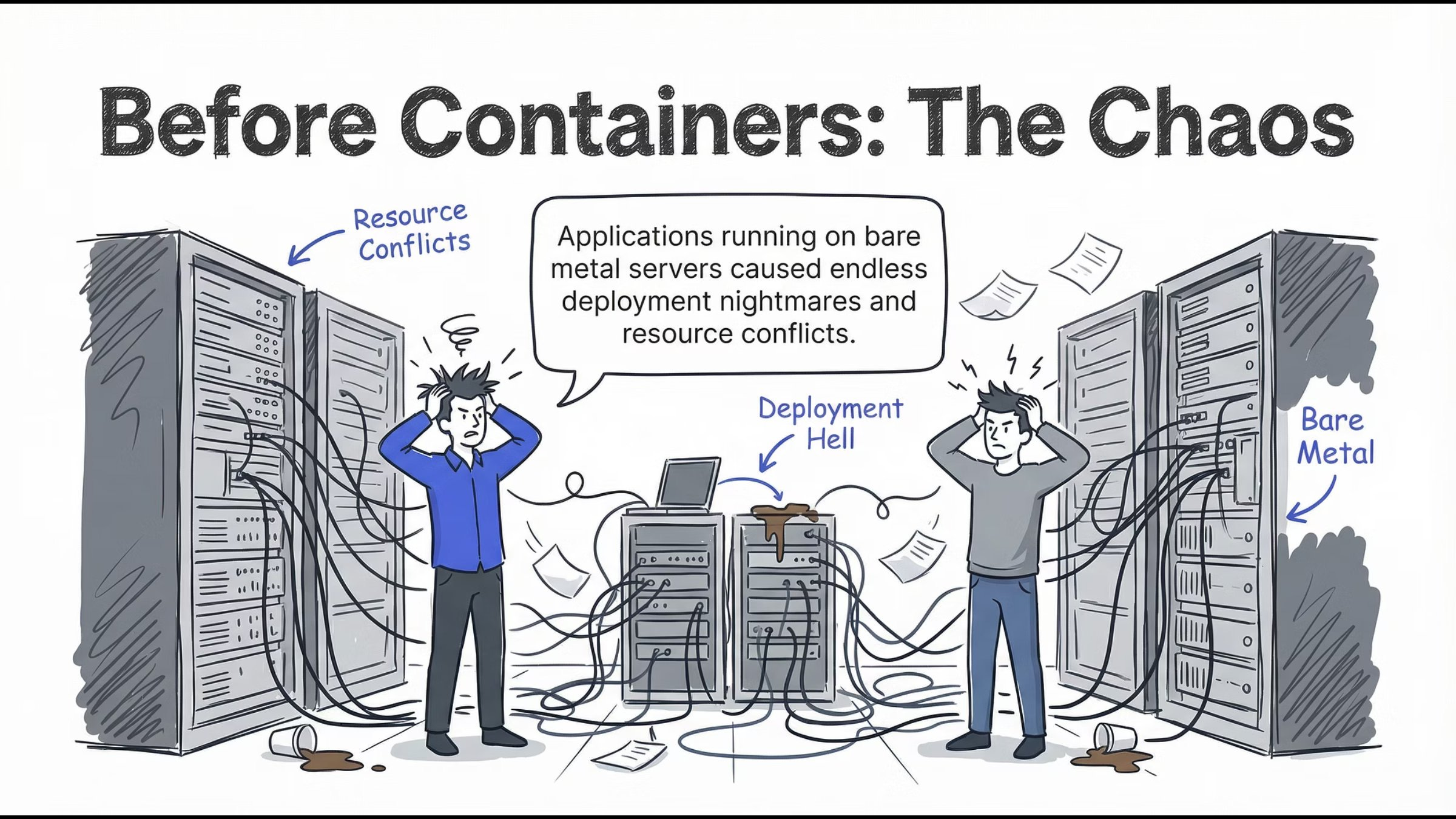
Running applications directly on servers led to:
Resource conflicts
Environment mismatches
Deployment failures
Scaling nightmares
Every release felt risky. Stability depended on luck more than design.
Lesson:
Infrastructure without isolation never scales cleanly.
3. The Monolith Problem
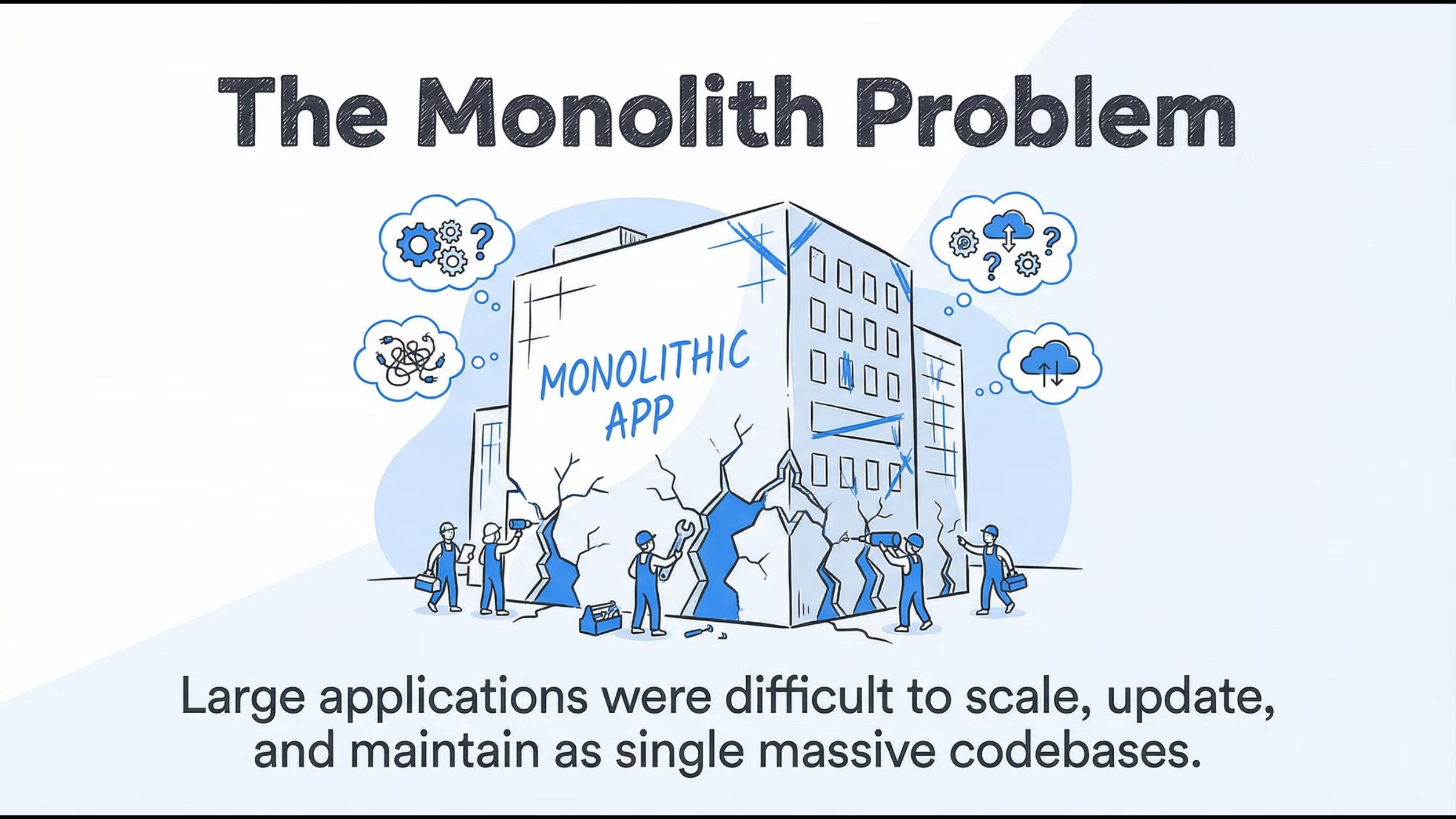
Traditional monolithic applications were:
Large and tightly coupled
Hard to scale independently
Risky to update
Expensive to maintain
A single bug could bring the entire system down.
Lesson:
Big codebases don’t fail fast - they fail expensively.
4. Virtual Machines: The First Real Solution
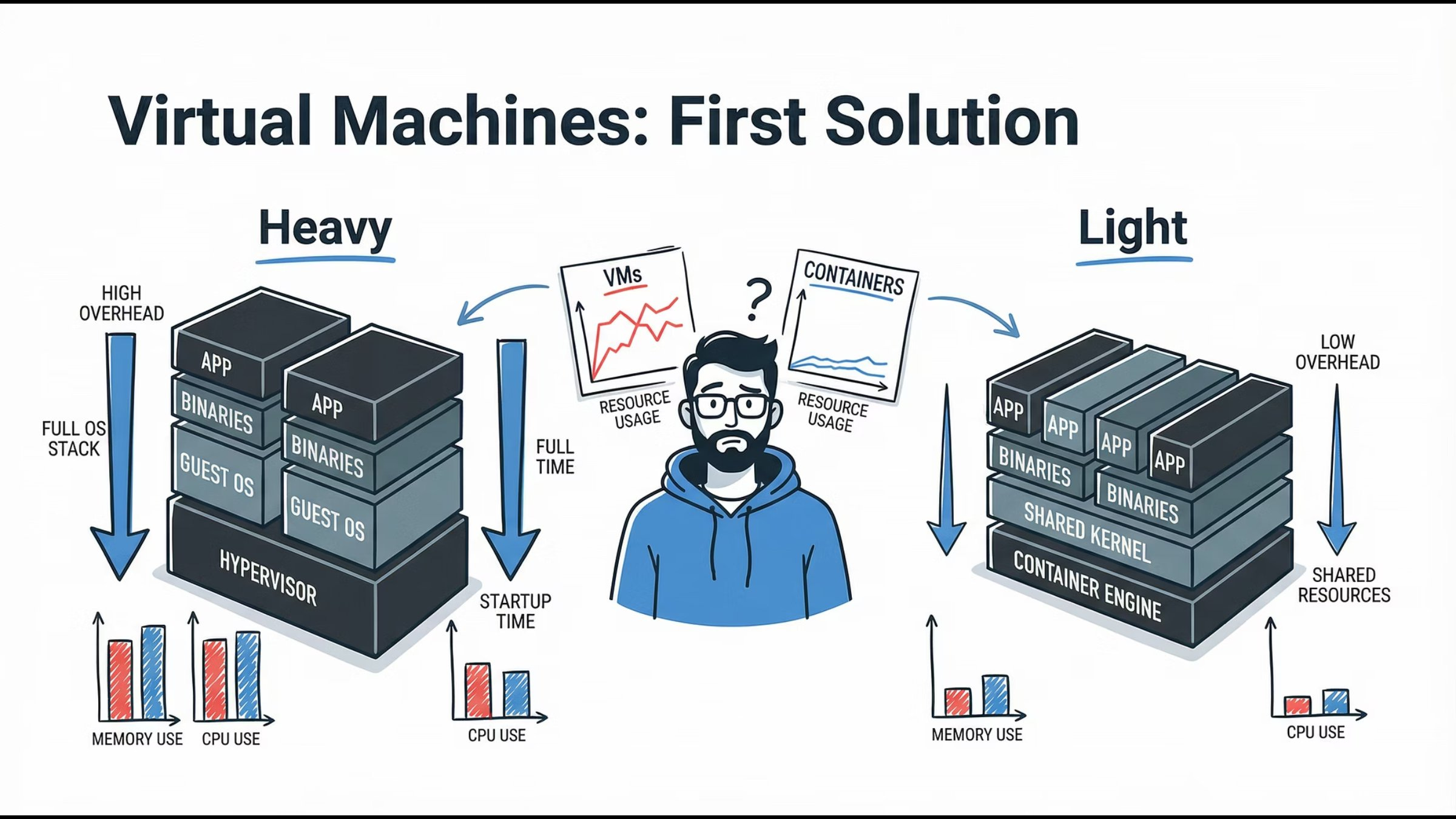
Virtual Machines introduced isolation and stability, but at a cost:
Heavy OS overhead
Slow boot times
Inefficient resource usage
They were powerful, but not agile.
Lesson:
VMs brought isolation, not velocity.
5. Docker Changed Everything
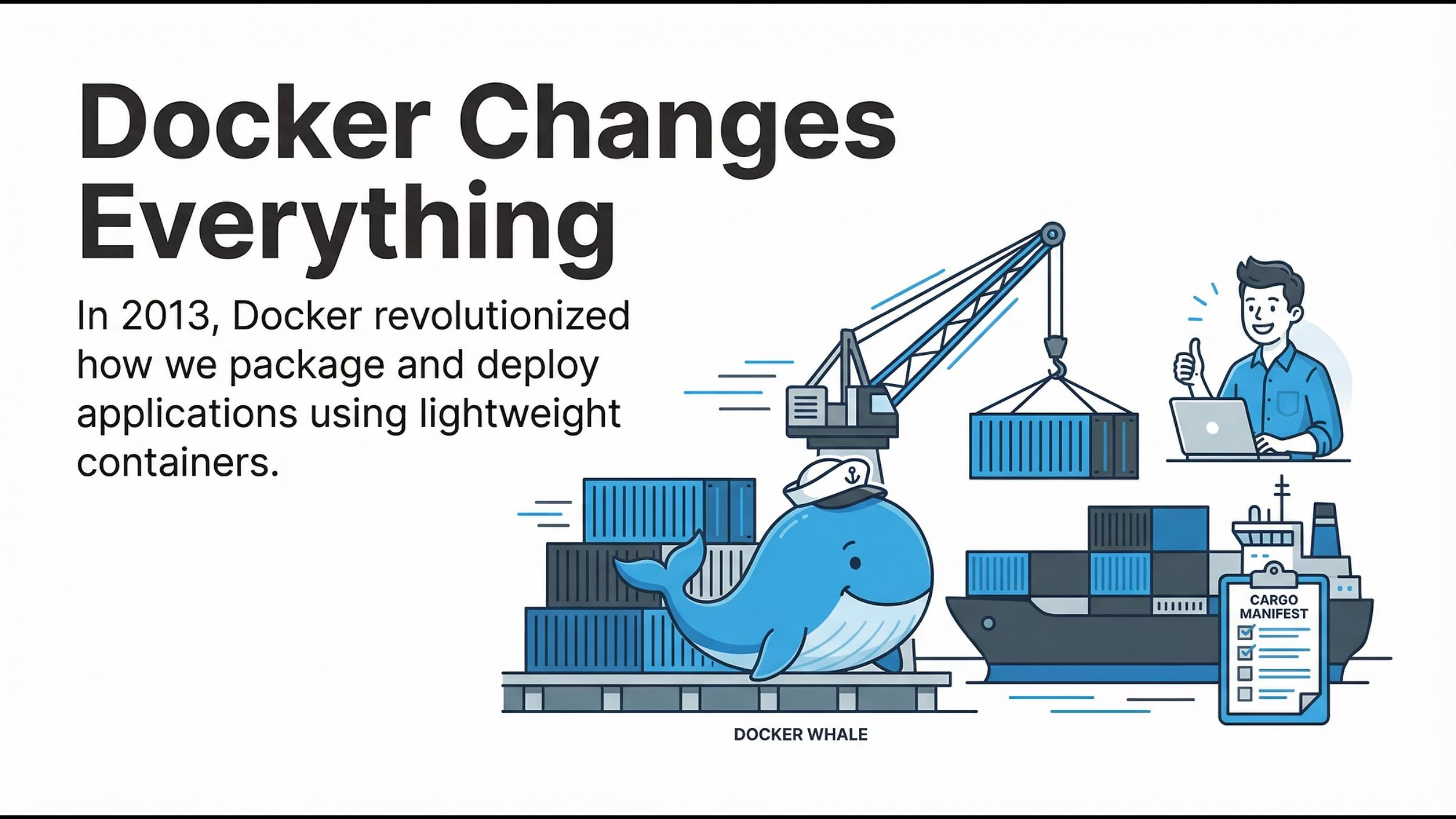
Docker revolutionized application delivery by introducing:
Lightweight containers
Fast startup times
Application + dependencies bundled together
Developers finally achieved true environment consistency.
Lesson:
“It works on my machine” stopped being an excuse.
6. Containers Are Great… Until Scale
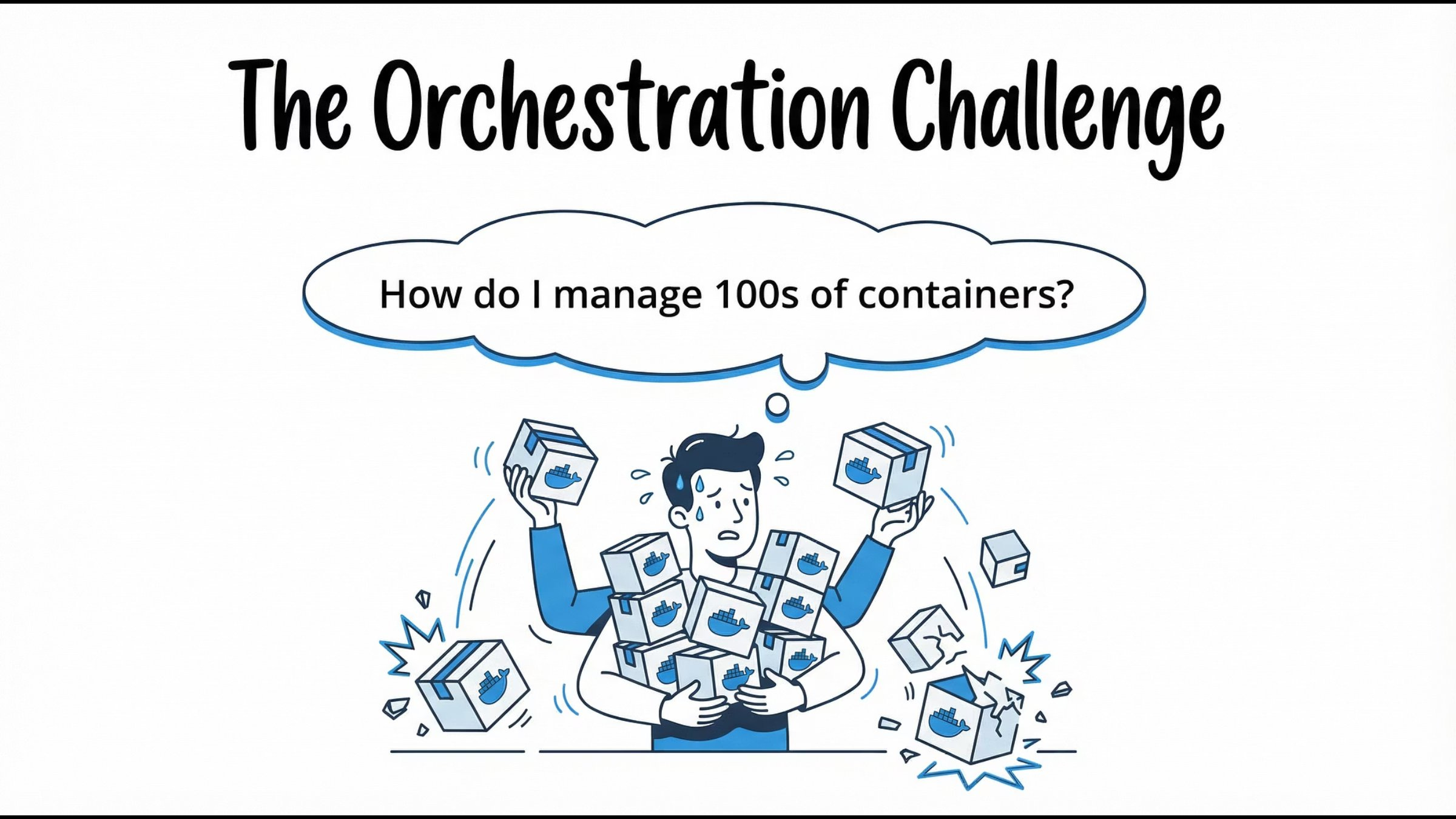
Containers solved packaging - but at scale, teams asked:
How do we auto-scale containers?
What happens when containers crash?
How do we manage networking?
How do we deploy with zero downtime?
This is where Kubernetes enters.
Lesson:
Containers need a conductor.
7. Enter Kubernetes: The Captain of Containers
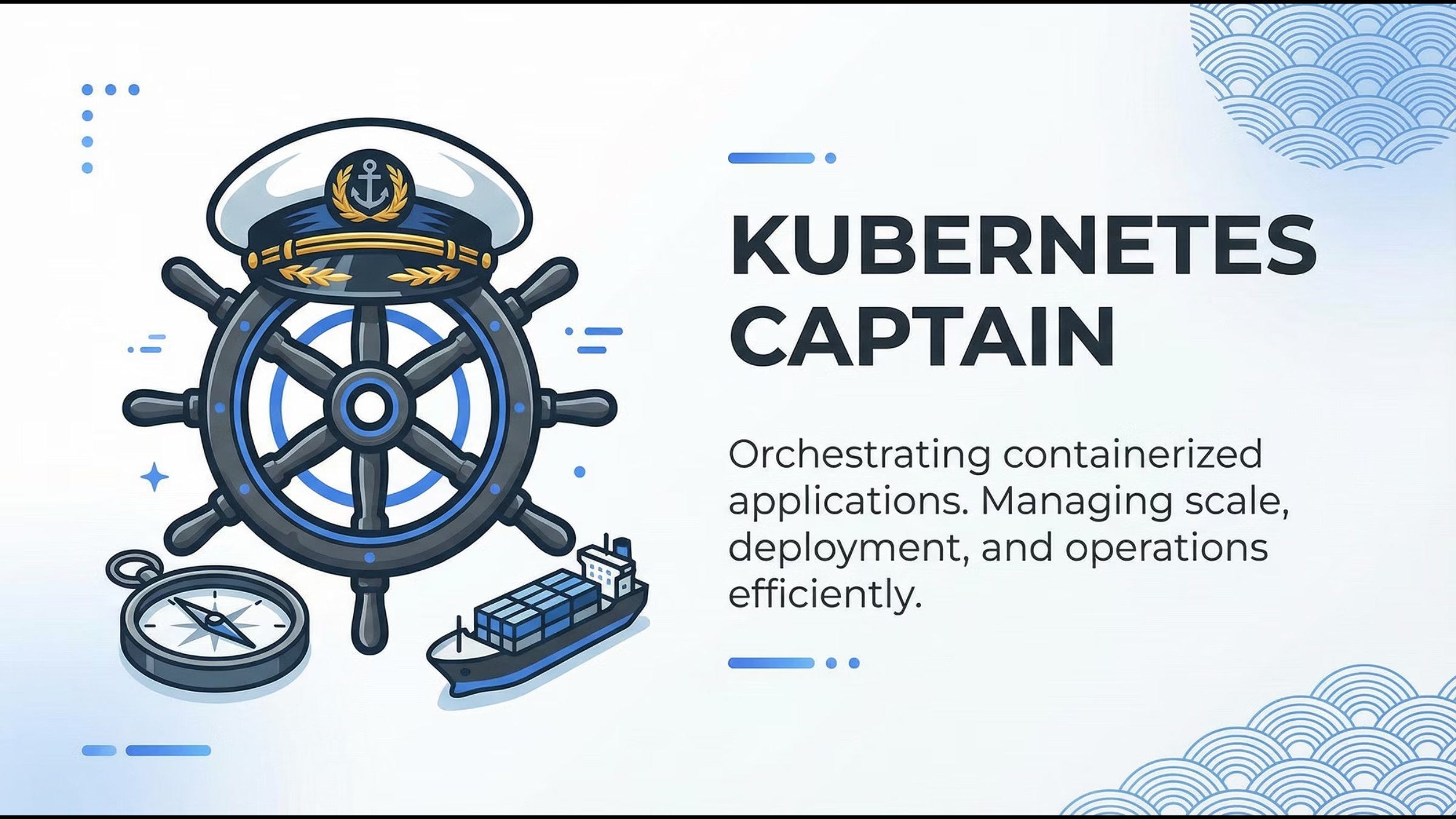
Kubernetes is a container orchestration platform that manages:
Deployment
Scaling
Networking
Self-healing
Configuration
It doesn’t replace Docker - it coordinates containers across infrastructure.
Mental model:
Kubernetes is the operating system for distributed applications.
8. What Kubernetes Really Promises?
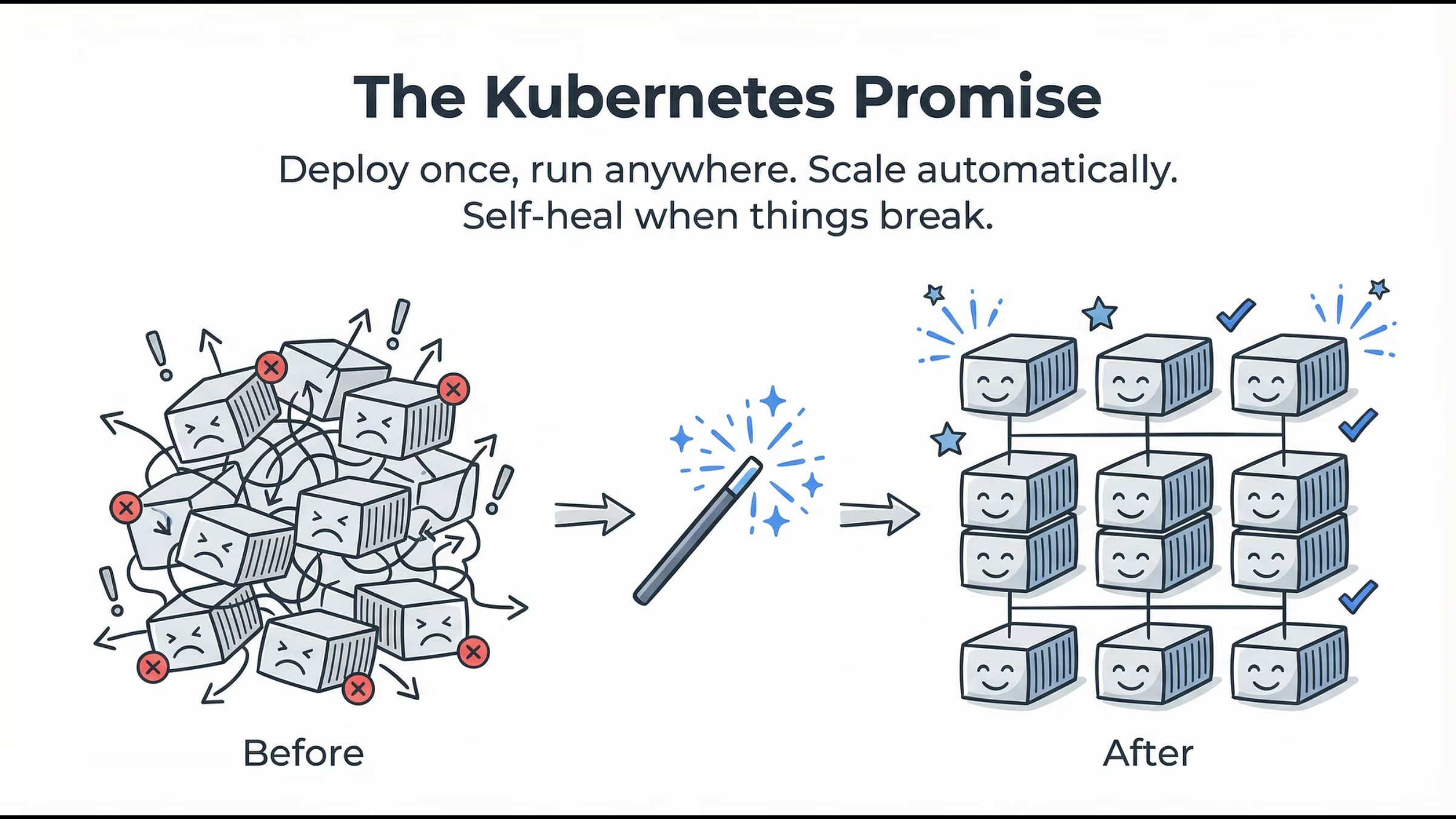
Kubernetes delivers on four core promises:
Deploy once, run anywhere
Automatic scaling
Self-healing workloads
Declarative configuration
You describe the desired state. Kubernetes continuously works to maintain it.
Lesson:
You declare intent. Kubernetes enforces reality.
Kubernetes Architecture: Master & Worker Nodes (How It All Works?)
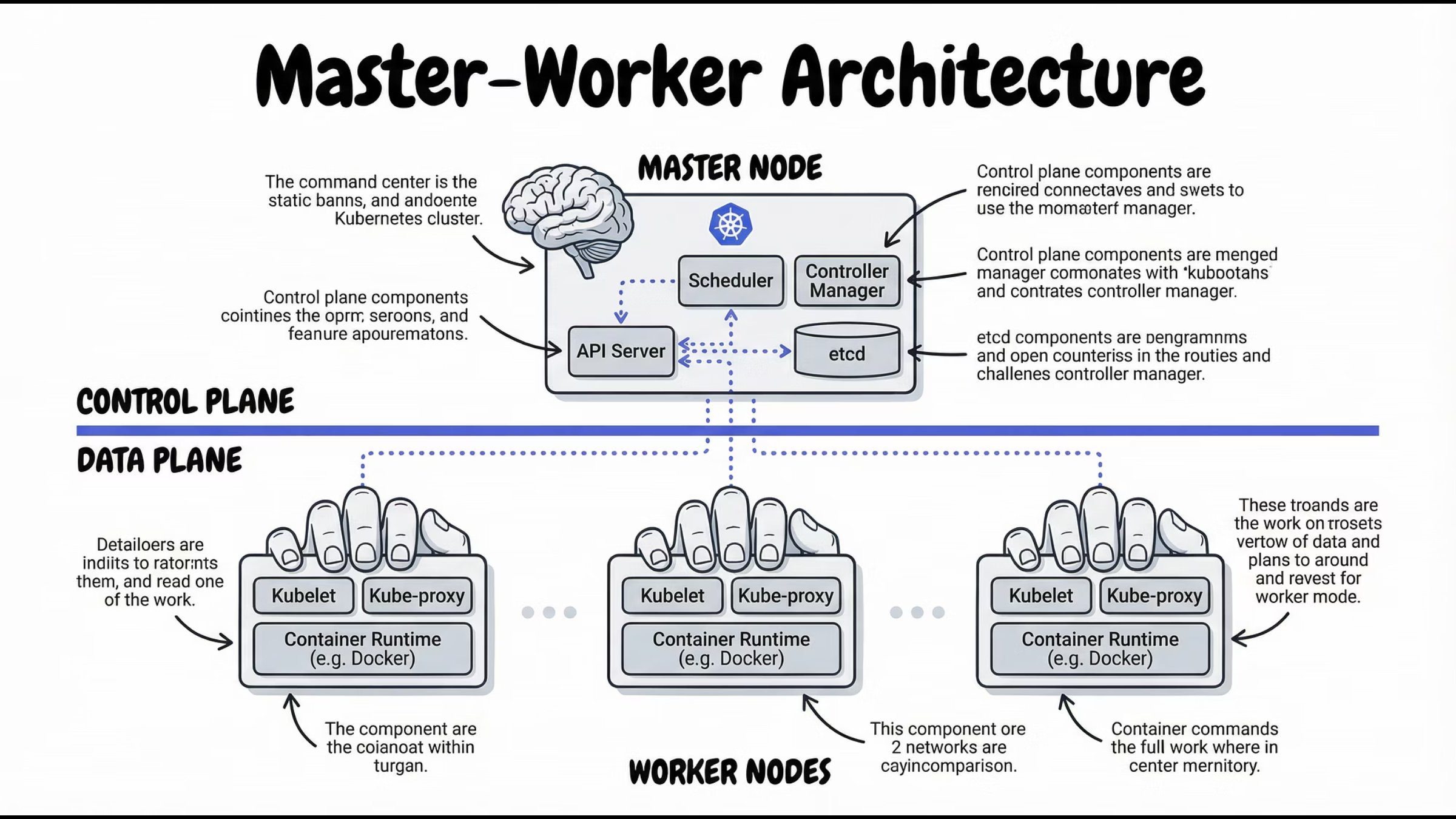
At a high level, a Kubernetes cluster is split into two parts:
Control Plane – Makes decisions
Worker Nodes – Run applications
This separation is what enables Kubernetes to scale and self-heal.
9. Inside the Control Plane (How Kubernetes Thinks)
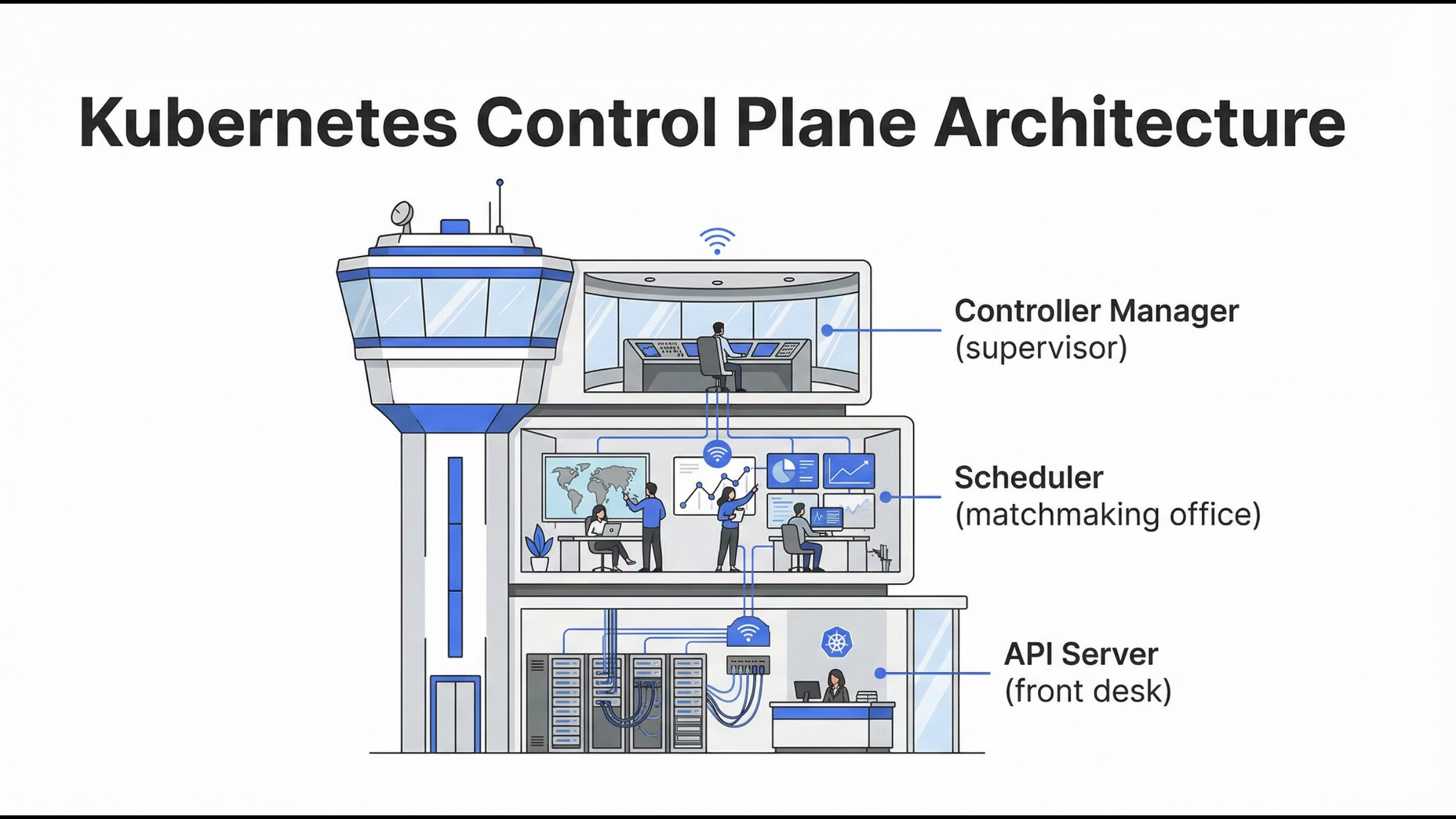
The Control Plane is responsible for:
Accepting requests
Making scheduling decisions
Tracking cluster state
Ensuring desired = actual
It doesn’t run containers - it controls everything.
10. API Server: The Front Door
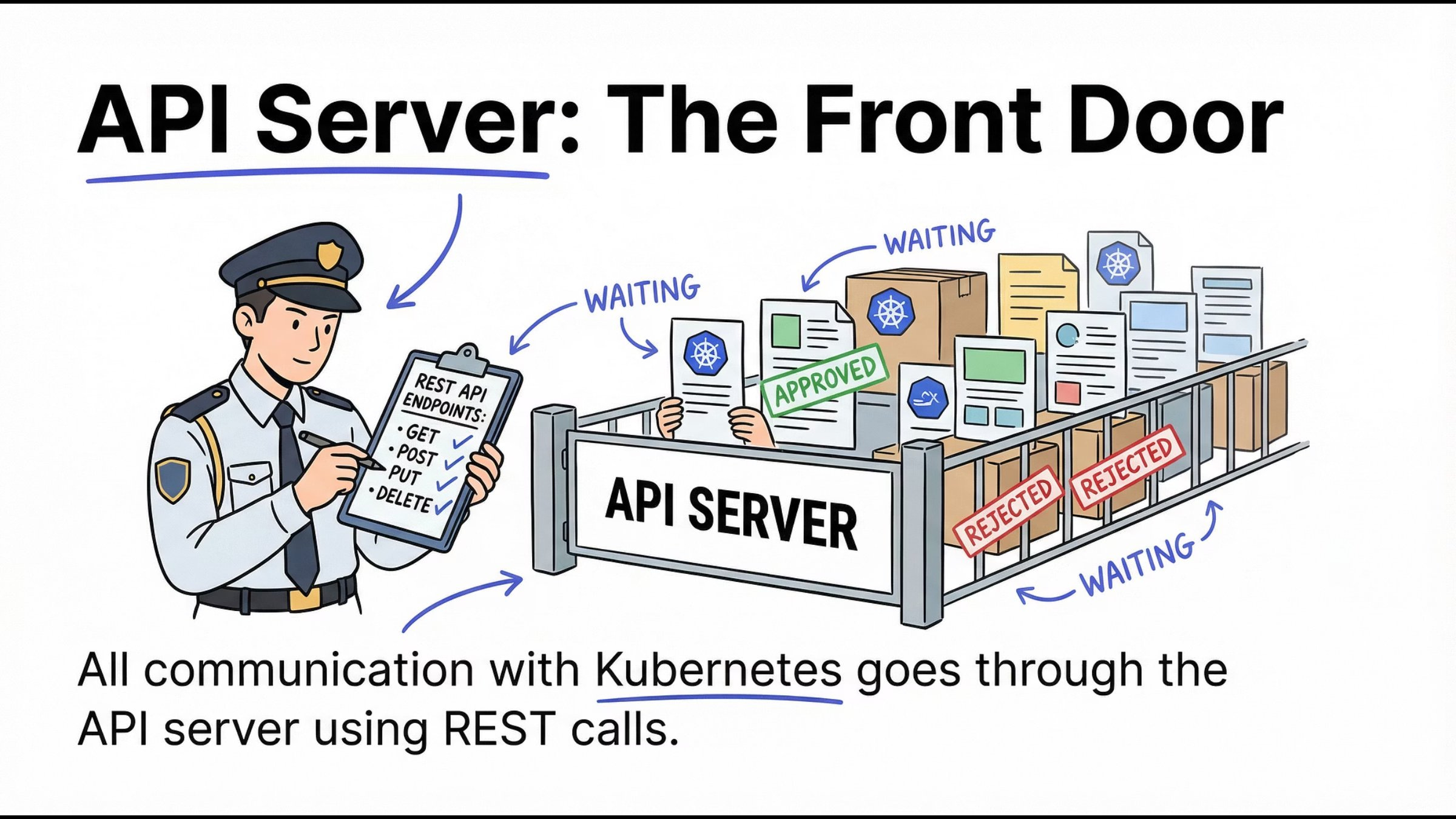
The API Server is the only entry point to the cluster.
All kubectl commands go through it
All components communicate via it
It validates, authenticates, and authorizes requests
Mental model:
No API Server = no Kubernetes.
11. etcd: The Cluster’s Brain Memory
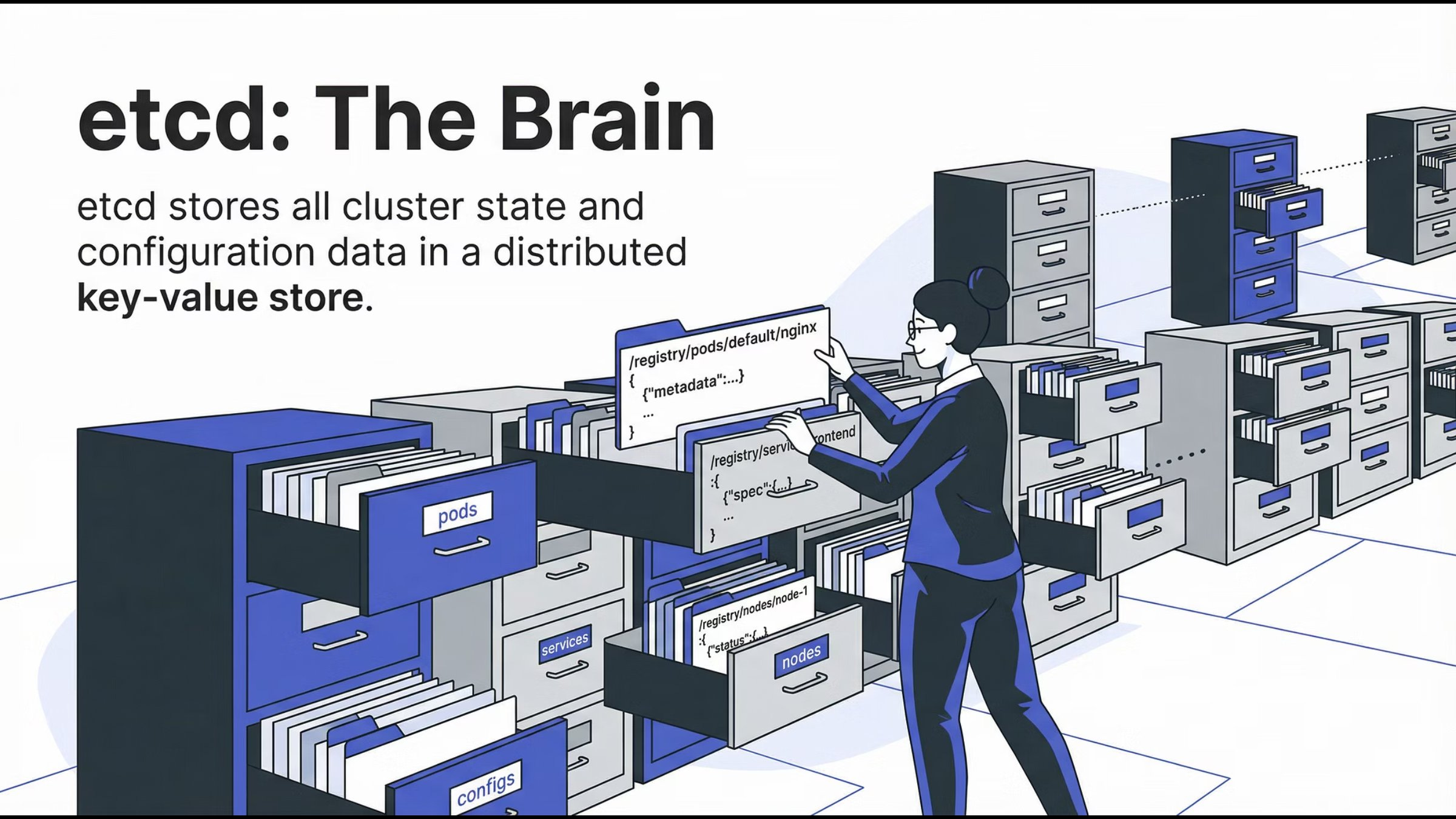
etcd is a distributed key-value store that holds:
Cluster configuration
Desired state
Current state
It is the single source of truth for Kubernetes.
Mental model:
If it’s not in etcd, it doesn’t exist.
12. Scheduler: The Matchmaker
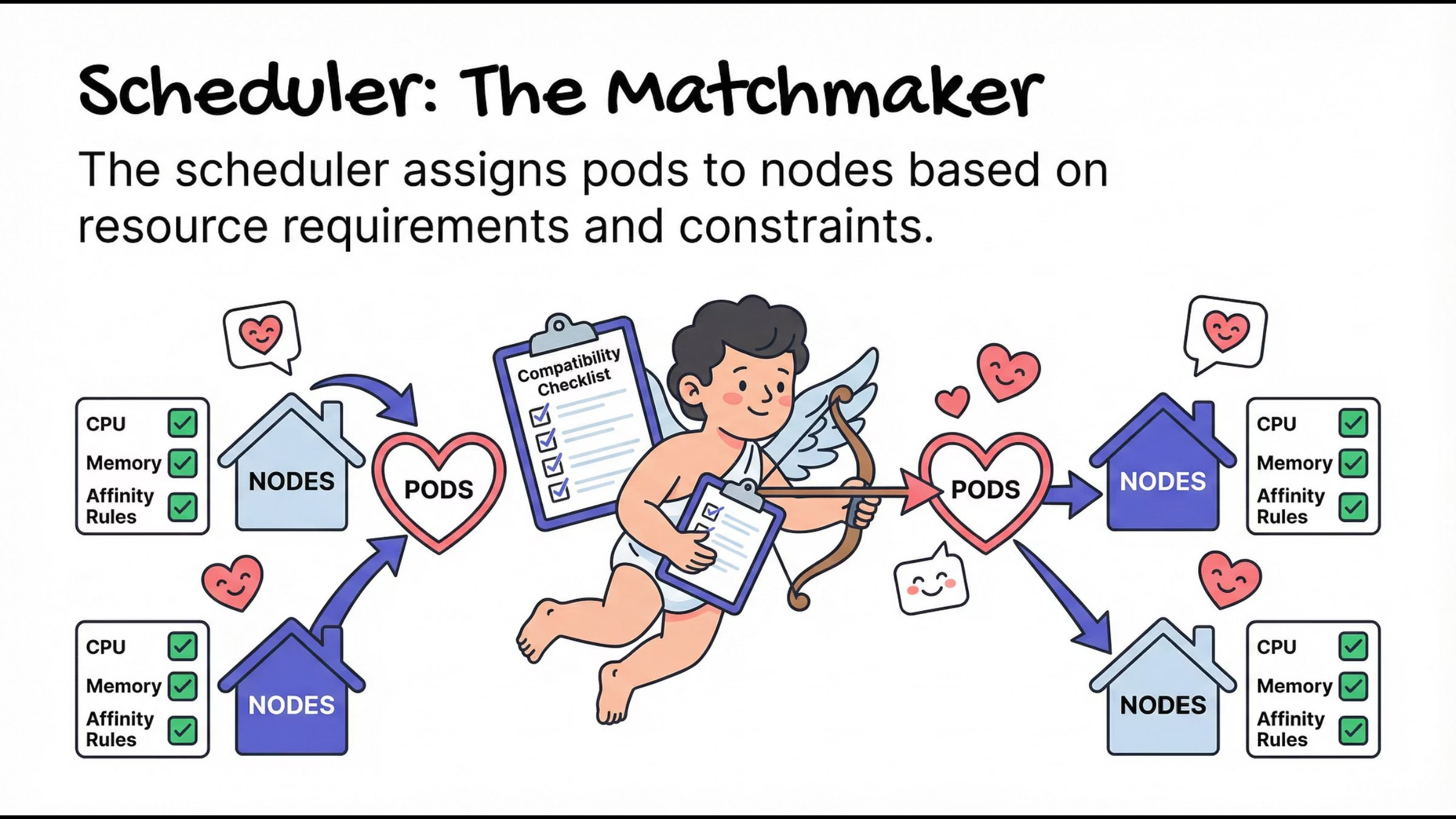
The Scheduler decides where Pods should run based on:
CPU and memory requirements
Node availability
Affinity and constraints
It doesn’t start containers - it only assigns Pods to Nodes.
Mental model:
Right workload, right node, right time.
13. Controller Manager: The Supervisor
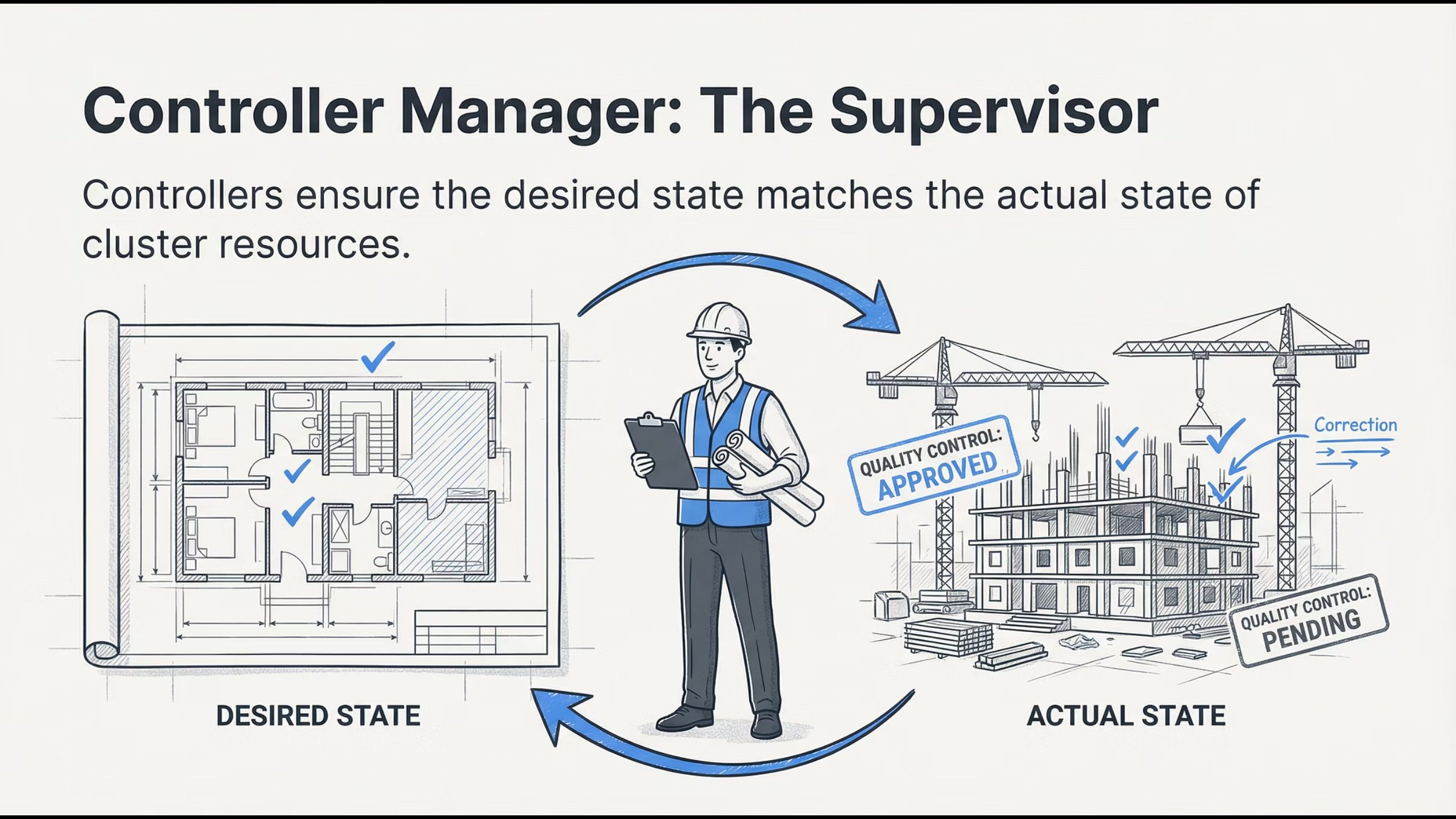
Controllers constantly compare:
Desired state (what you want)
Actual state (what exists)
If something drifts, controllers fix it automatically.
Mental model:
Kubernetes never stops checking itself.
Worker Nodes: Where Applications Actually Run
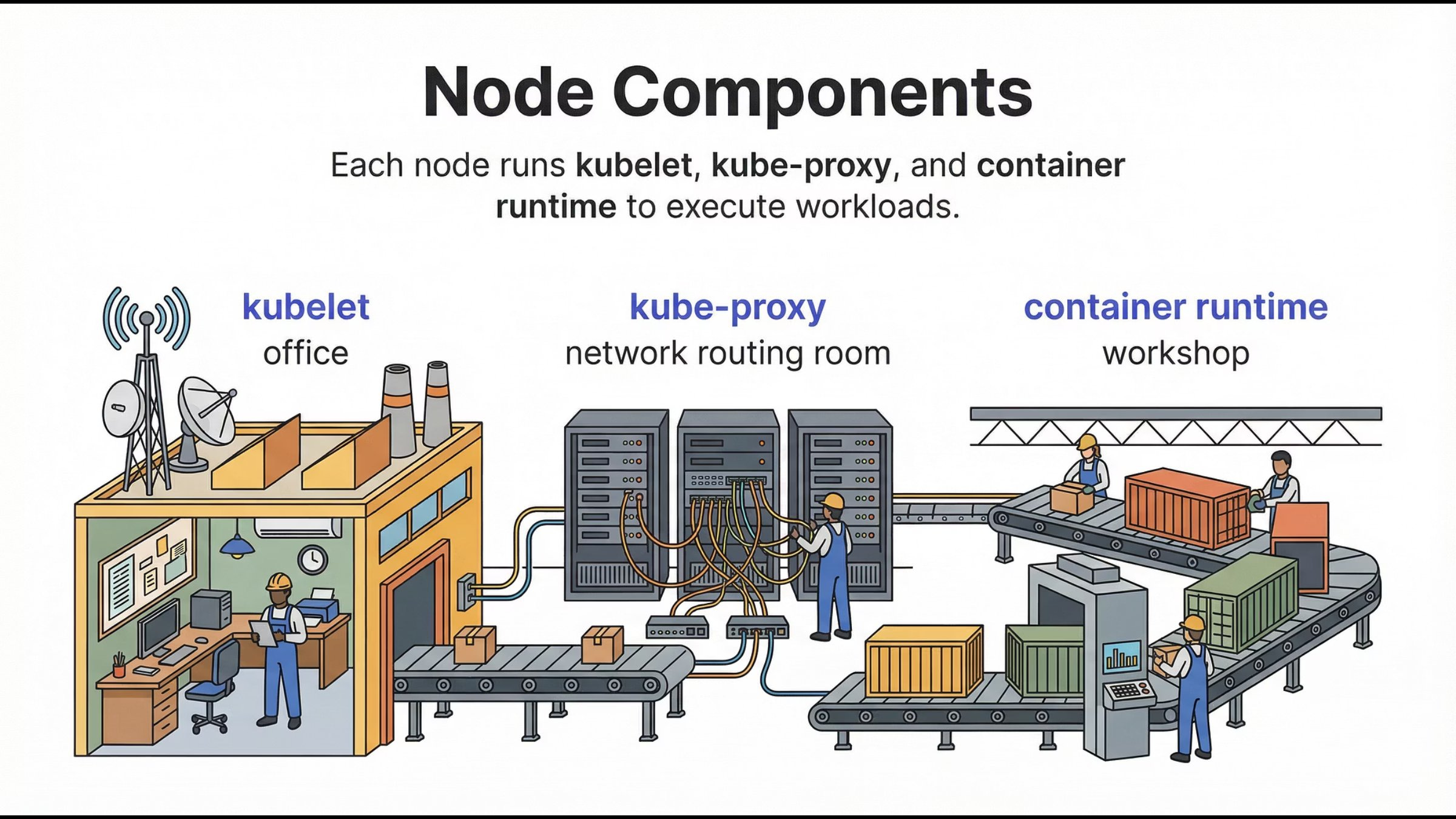
Once decisions are made, Worker Nodes execute them.
This is where your applications live.
14. Kubelet: The Node Manager
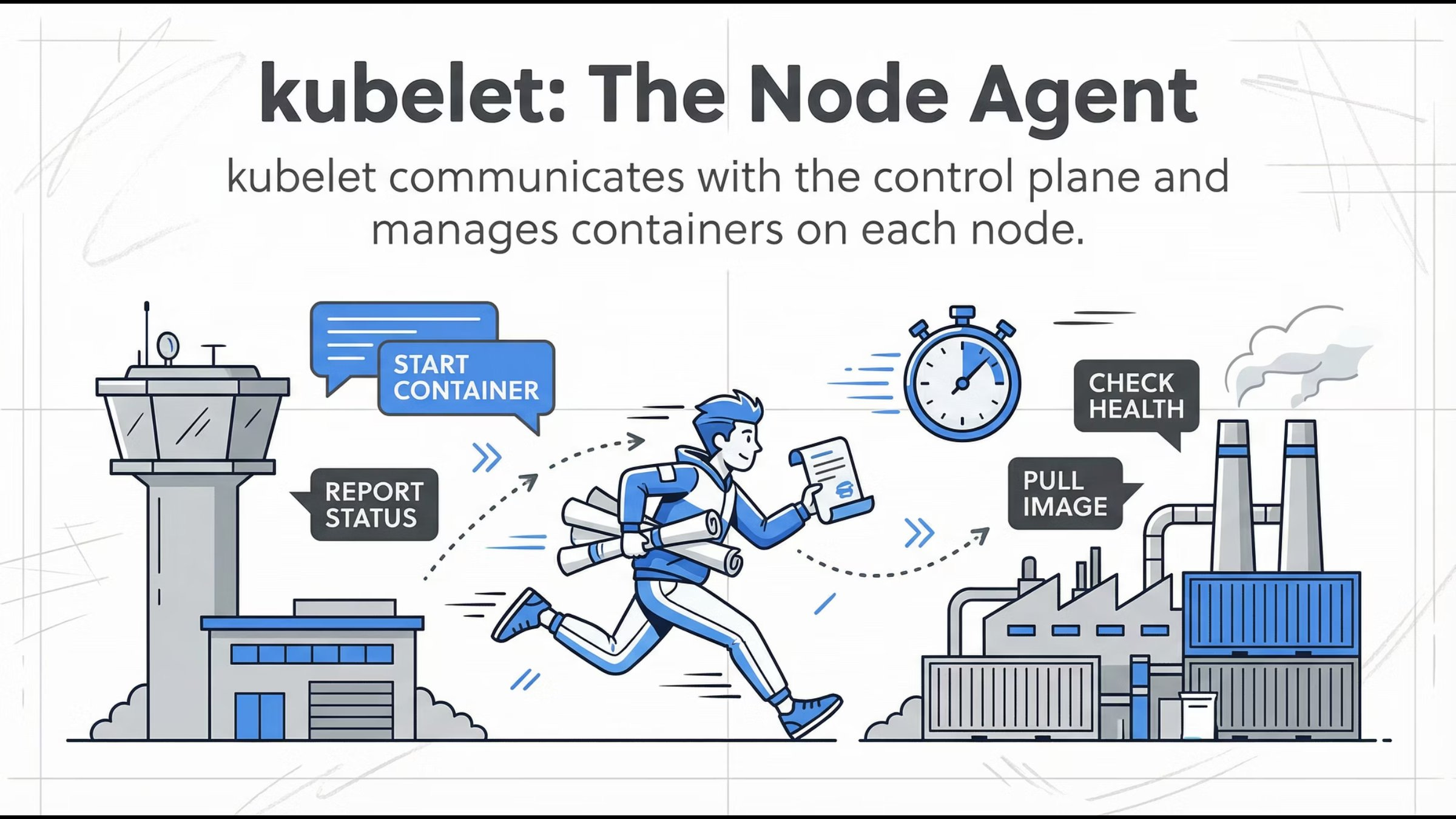
Kubelet runs on every worker node and:
Registers the node with the cluster
Watches for Pod assignments
Ensures containers are running
Reports health back to the Control Plane
Mental model:
If a Pod should be running here, kubelet makes sure it is.
15. Container Runtime: The Execution Engine
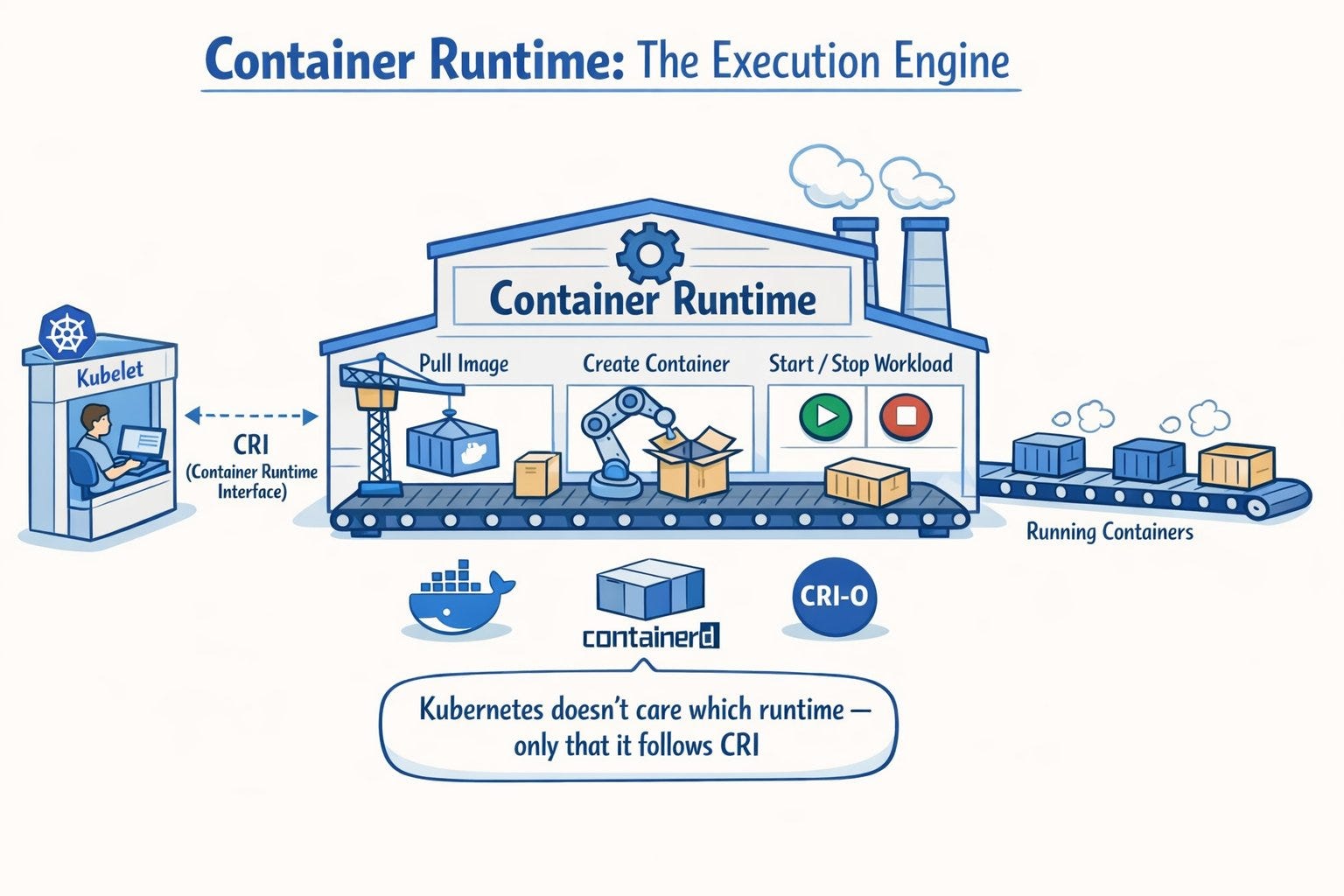
The container runtime:
Pulls images
Creates containers
Starts and stops workloads
Kubelet communicates with it via the Container Runtime Interface (CRI).
Key point:
Kubernetes doesn’t care which runtime you use - only that it follows CRI.
16. kube-proxy: The Traffic Controller
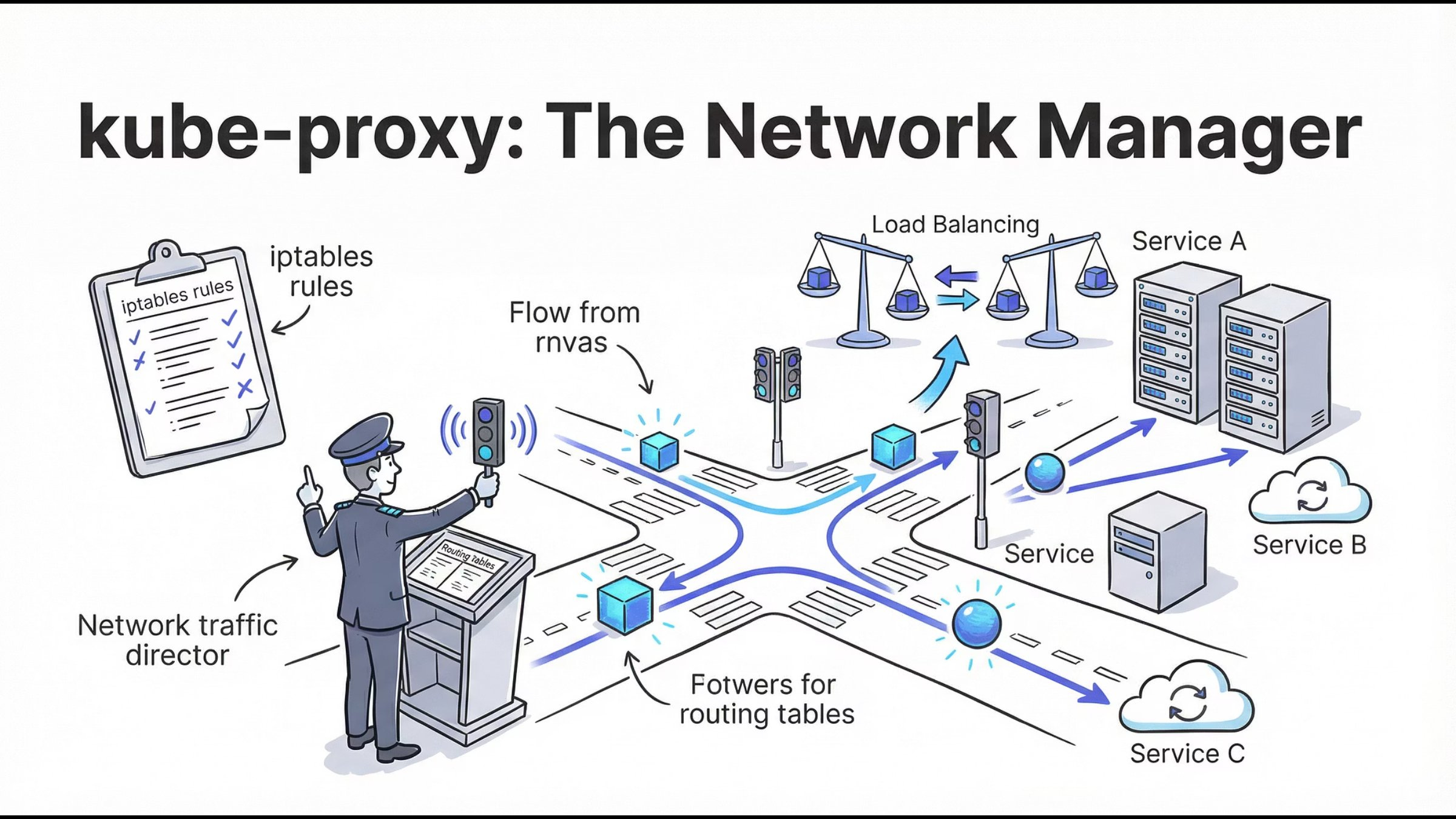
kube-proxy manages network routing inside the cluster:
Service IPs
Load balancing
Pod-to-Pod communication
It ensures services remain reachable even when Pods change.
Mental model:
Pods are temporary. Services are stable.
How Everything Works Together (Simplified Flow)
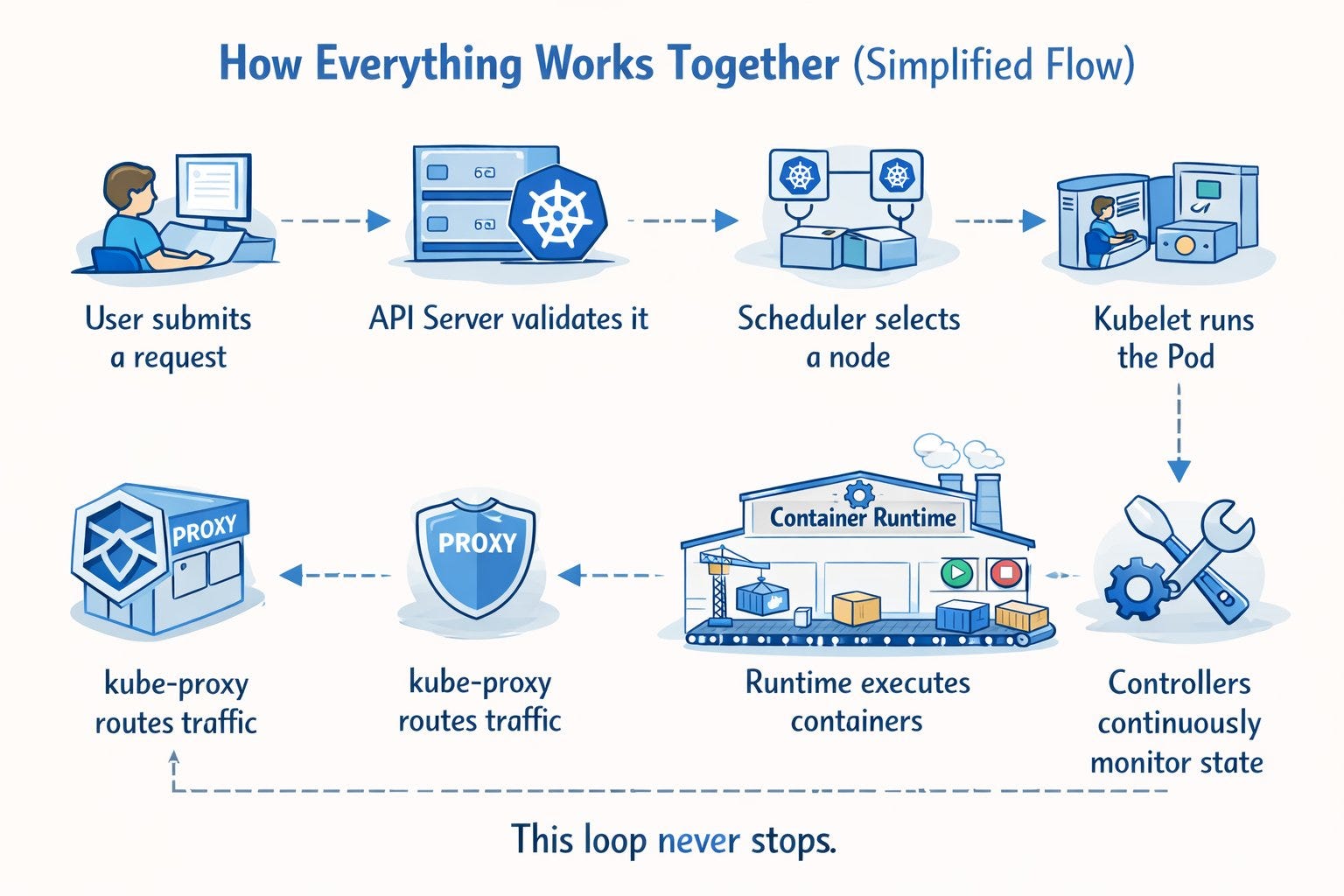
User submits a request
API Server validates it
Scheduler selects a node
Kubelet runs the Pod
Runtime executes containers
kube-proxy routes traffic
Controllers continuously monitor state
This loop never stops.
Why This Understanding Matters?
Most real-world Kubernetes issues happen because of:
Poor architectural understanding
Weak mental models
Blind YAML usage
If you understand how Kubernetes thinks, you can:
Debug faster
Design better systems
Operate confidently in production
Final Thoughts
Kubernetes isn’t complicated - it’s distributed.
Once you understand:
Why containers exist
Why orchestration is required
How control plane and nodes interact
Kubernetes stops being scary and starts being powerful.
📘 Complete Kubernetes Visual Guide
This article is a small preview of a much bigger effort.
I’ve prepared a Kubernetes Complete Visual Guide: From Zero to Expert, where every concept is explained visually, step by step - from containers to core architecture, workloads, networking, scaling, and real-world behavior.
If you prefer clear diagrams over long documentation, the complete guide is available on Gumroad.
👉 Kubernetes made simple. Visual. Practical.
https://t3pacademy.gumroad.com/l/nneei/2wlq2sv
https://t3pacademy.gumroad.com/l/nneei/2wlq2sv
What makes this guide different?
This is not another text-heavy Kubernetes book.
It’s a visual-first learning system that:
Explains why each Kubernetes concept exists
Shows how components interact visually
Builds strong mental models that actually stick
Helps you debug and design confidently
Every concept is explained using hand-crafted infographics, not walls of text.
👉 Grab the guide on Gumroad and level up your Kubernetes understanding - visually.
https://t3pacademy.gumroad.com/l/nneei/2wlq2sv
https://t3pacademy.gumroad.com/l/nneei/2wlq2sv
Final Note:
If this blog clarified things for you, imagine having every Kubernetes concept explained this clearly, end-to-end, in one place.
That’s exactly what the full guide delivers.
Happy orchestrating 🚢
— Tech Fusionist